A turbine pump using analogue sensors for winding and bearing temperature, keyphasor for rotating speed and velocity sensors for vibrating. The program is an implementation of TE2000 and TwinCAT 3, with custom Fourier function (just in case the sensors are not RMS).
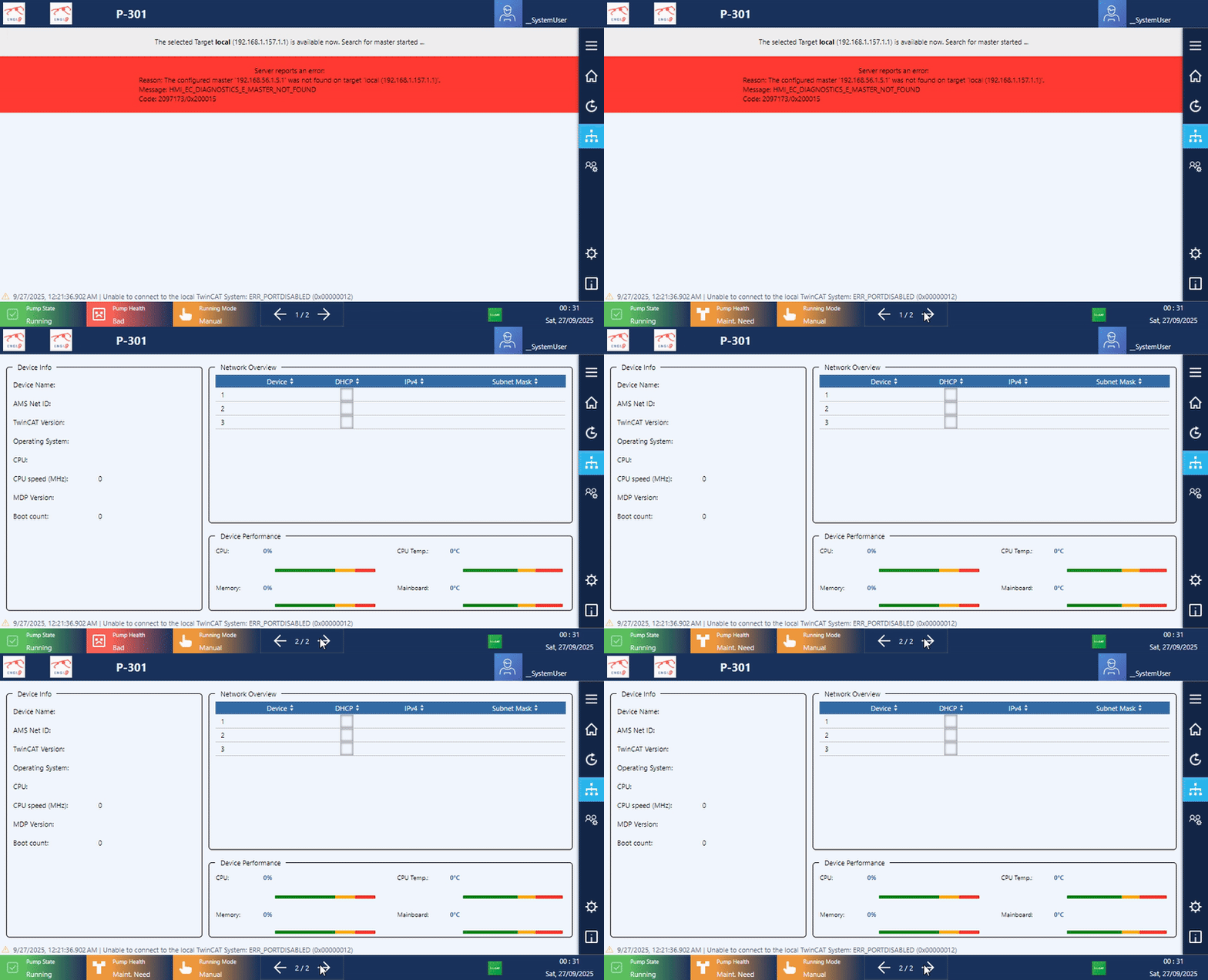
Go around main pages:
Component detail value and data can be monitored / modified quickly via pop-up.
Other features:
Some features only work on real hardware. Video of working HMI on-site is prohibited.
CP6706-0001-0050
Display size/resolution	7" 800 x 480
Touch screen		single-finger touch screen
Processor		Intel Atom® E3827, 1.75 GHz, 2 core
Memory			8GB DDR3L RAm
Hard disks/flash	40 GB CFast
Interfaces		4 x USB 2.0, 1 x DVI
Power supply		24 V DC
Install X environments
// Install Xorg
$ pkg install xorg

// Add a user into video user group
$ doas pw groupmod video -m Aministrator

// Get VGA info
$ pciconf -lv|grep -B4 VGA
// return: "Intel"...

// Get input devices info
// In X terminal
$ doas libinput list-devices
// return: ELO Touch input device "dev/input/event3"
Pass these generated info into config files.
Install GUI windows
// Unblock FreeBSD reposity
$ doas ee /usr/local/etc/pkg/repos/FreeBSD
$ >> FreeBSD: ( enable: yes )

// Install openbox
$ doas pkg install openbox

// Install lightdm
$ doas pkg install lightdm lightdm-gtk-greeter

// Install on-screen keyboard to input password at hello screen
$ doas pkg install florence

$ doas ee /usr/local/etc/lightdm/lightdm.conf
$ >> xserver-command=X -nocursor

$ doas ee /usr/local/etc/lightdm/lightdm-gtk-greeter.conf
$ >> keyboard= florence --focus
$ >> keyboard-position= "75%,center -0;50%, 25%"

// Follow config file to enable auto start boot into GUI instead of terminal environment
# name  getty                           type    status          comments
#
console none                            unknown off secure
#
ttyv0   "/usr/libexec/getty Pc"         xterm   onifexists secure
# Virtual terminals
//....existing ttyv
ttyv8   "/usr/local/bin/xdm -nodaemon"  xterm   onifexists secure
Enable TF2000
// Install and enable HMI service
$ doas pkg install TF2000-HMI-Server

// Unblock firewall
$ doas service pf stop

$ doas ee /etc/pf.conf
$ >> pass in quick proto tcp to port 0000 keep state
$ >> pass in quick proto tcp to port 1010 keep state
$ >> pass in quick proto tcp to port 1020 keep state
$ >> pass in quick proto tcp to port 8080 keep state

$ doas service pf start

// Enable HMI service
$ doas service TcHmiSrv start

/// Remember add this line to rc.conf file above
/// >> TcSystemService_enable="YES"

/// Remember add this line to fstab.txt file also
/// >> /dev/gpt/efiboot0               /boot/efi       msdosfs rw              2       2
/// >> /dev/ada0p2             none    swap    sw              0       0

// Install and config SQLite server
$ doas pkg install sqlite

// Change directory to
$ cd /usr/local/etc/TwinCAT/Functions/TF2000-Hmi-Server/service/TcHmiProject
// Change sqlite database as you like
$ doas sqlite storage.db
...
Install Firefox and enable kiosk mode to boot to HMI
// Install firefox
$ doas pkg install firefox

// Edit autostart file
$ doas ee /home/SystemUser/.config/openbox/autostart.sh
$ >>
$ >> #!/bin/sh

$ >> firefox --kiosk --private-window localhost:1010
$ >> xset dpms 0 0 0
$ >> xset s noblank
$ >> xset s off

// Run
$ chmod +x /home/SystemUser/.config/openbox/autostart.sh

 EngiNINE